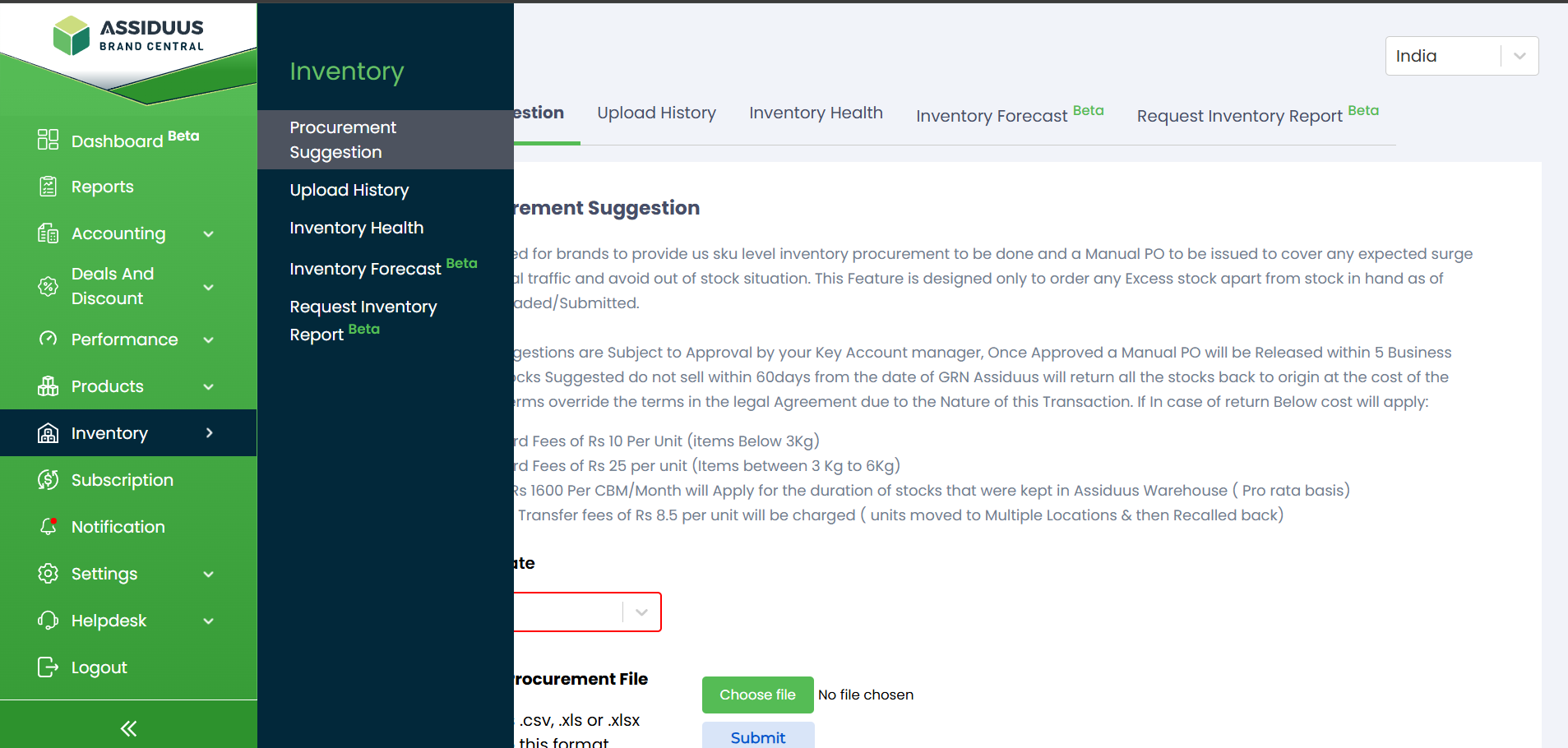
Inventory
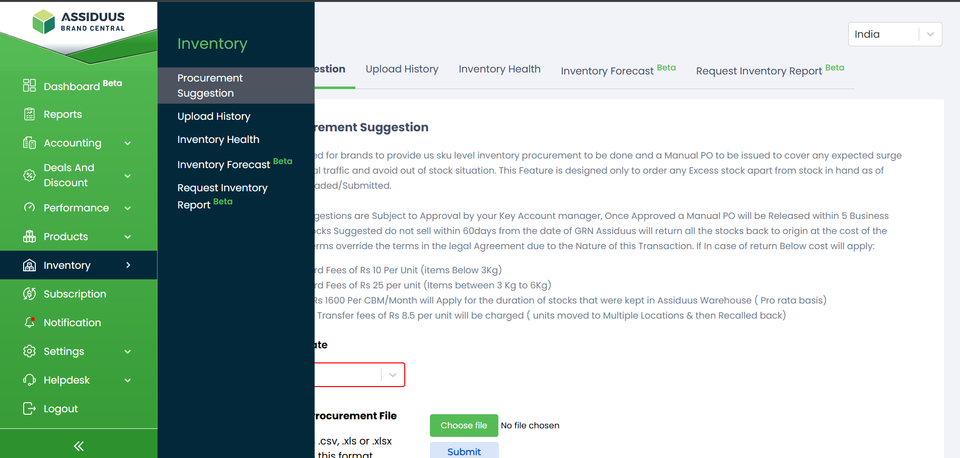
To access the Inventory section, follow these steps:
- Log in to your account.
- Navigate to the sidebar on the left-hand side of the dashboard.
- Look for the "Inventory" tab.
- Click on the "Inventory" tab.
This comprehensive guide will walk you through the various features and functionalities available to help you manage your product inventory efficiently. In this section, you will find five key subsections:
Procurement Suggestion: Shows recommended quantities you should purchase based on sales trends and stock needs.
Upload History: Displays the list of all previously uploaded files along with their status and timestamps.
Inventory Health: Gives an overview of your current stock levels, slow-moving items, and overall stock performance.
Inventory Forecast: Predicts future stock requirements using past sales data to help you plan upcoming purchases.
Request Inventory Report: Allows you to request and download detailed inventory reports for analysis and planning.