Procurement Suggestion
To access this section, follow these steps:
- Log in to your account.
- Navigate to the sidebar on the left-hand side of the dashboard.
- Click on Inventory.
- Select the "Procurement Suggestion" tab.
The Procurement Suggestion feature assists you in making informed decisions regarding stock procurement based on the current inventory status. It utilises advanced algorithms and historical sales data to recommend optimal stock quantities to maintain.
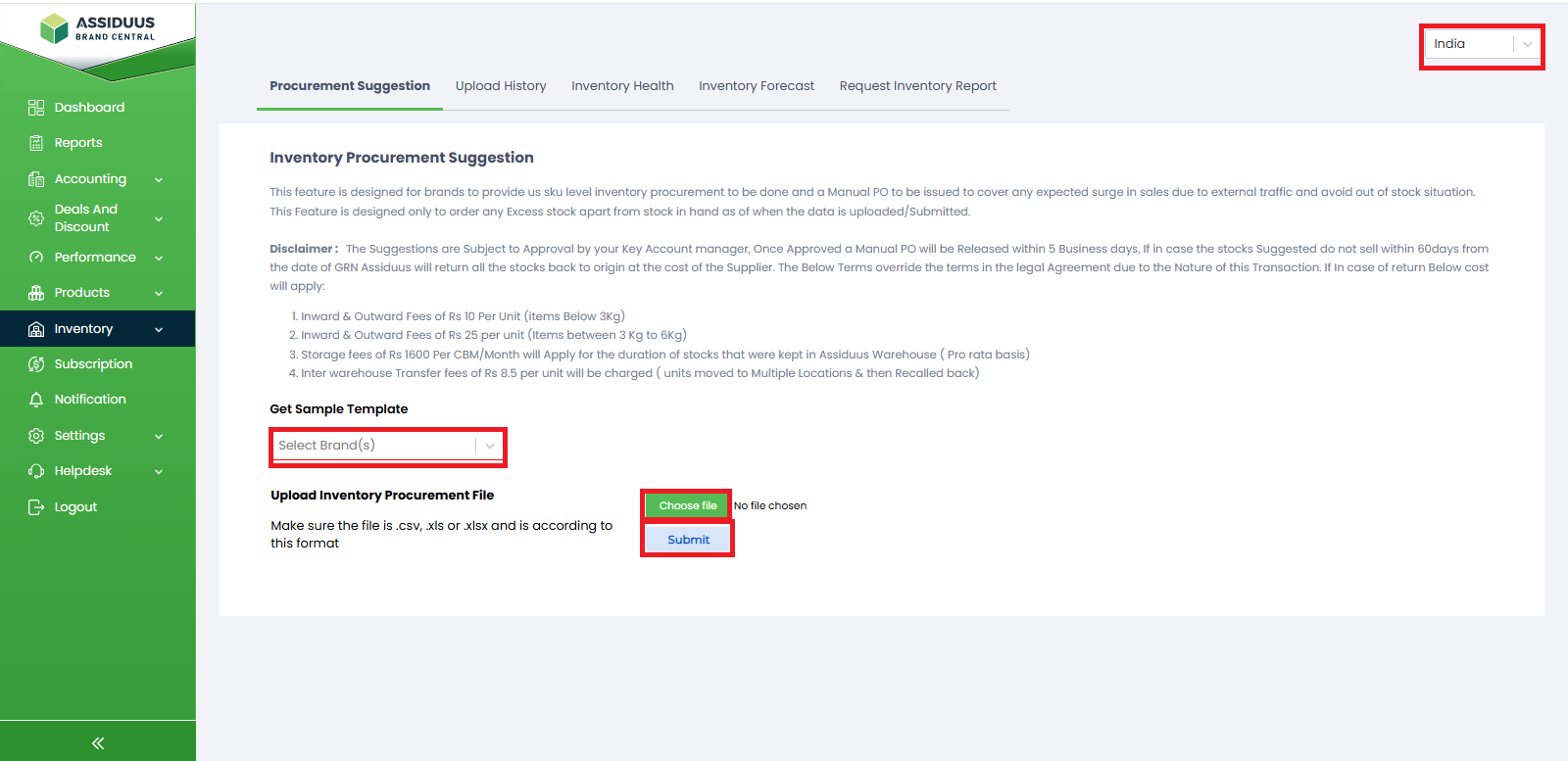
1.Country Selection: In the upper right side corner of the Procurement Suggestion page, you will find a dropdown menu. Click on the dropdown and select your country from the available options. This ensures that the procurement suggestions provided are relevant to your location.
2.Brand Selection: Next, you'll find another dropdown menu." Click on the dropdown menu and choose the brand for which you need procurement suggestions. Select your desired brand from the available options.
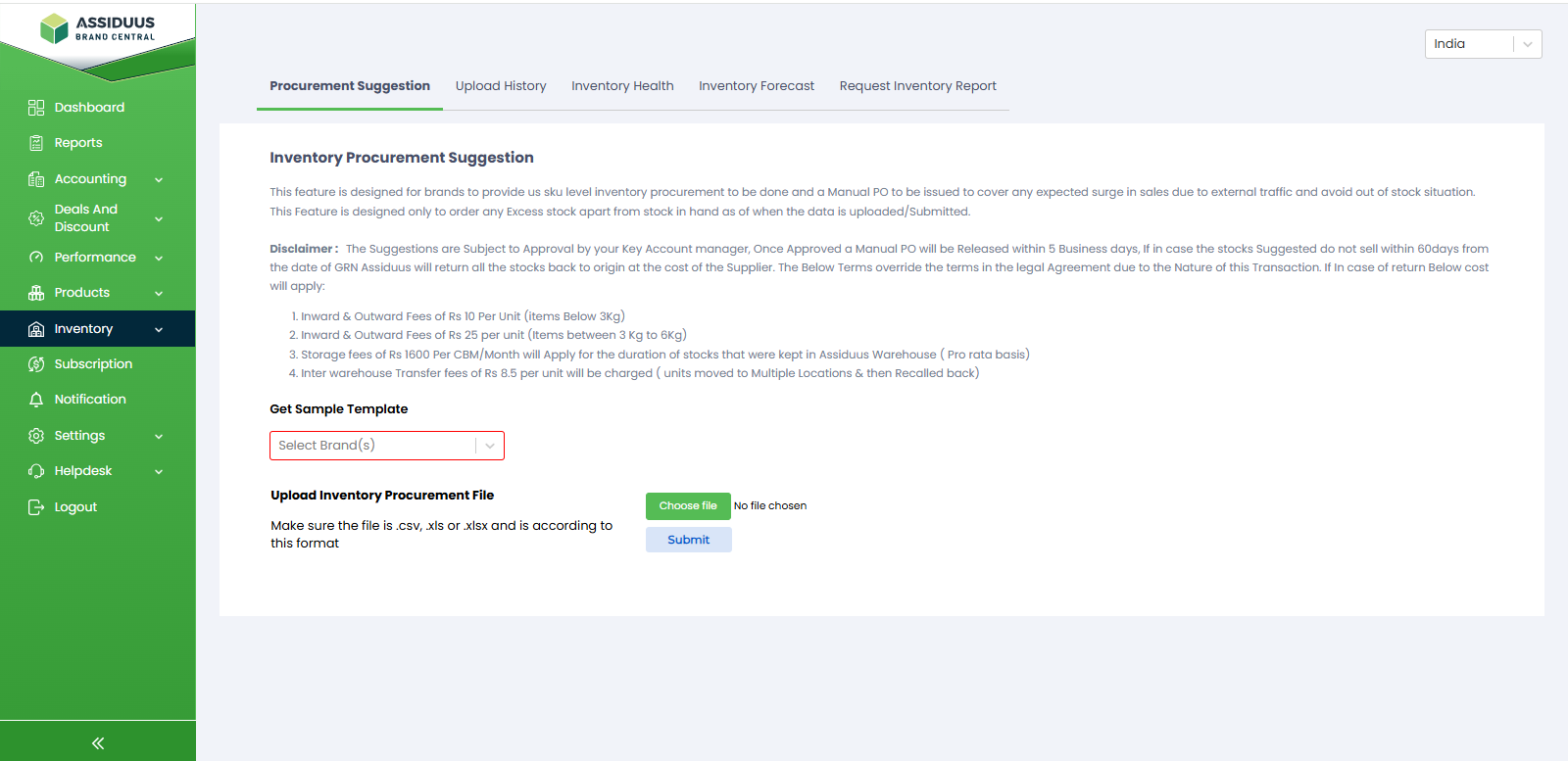
3.Downloading the Inventory Procurement Sample Sheet: To assist you in preparing your procurement data, we provide an Inventory Procurement Sample Sheet. To download this sheet, click on the "Download" button. The sample sheet will provide a template with the required format for your procurement data. You can fill in the necessary information based on your requirements.
4.File Selection: To select the file, click on the choose file button, browse your computer, and choose the appropriate file.
5.Submission: Once you have completed the necessary steps and prepared your procurement data using the downloaded sample sheet, you are ready to submit. Click on the "Submit" button to proceed with the procurement suggestion process. The system will analyse your data and generate relevant suggestions based on your chosen country, brand, and file input.