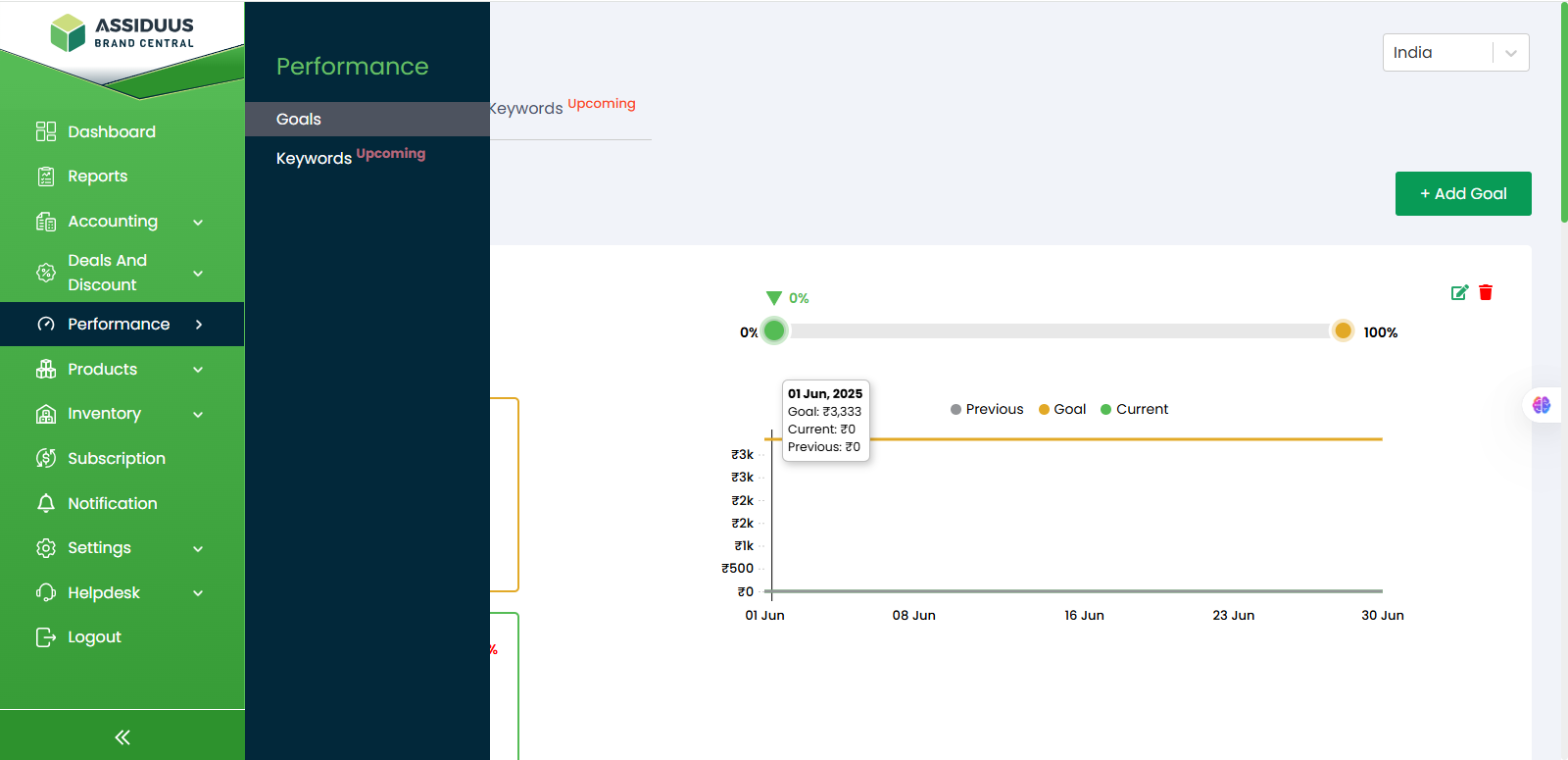
Performance
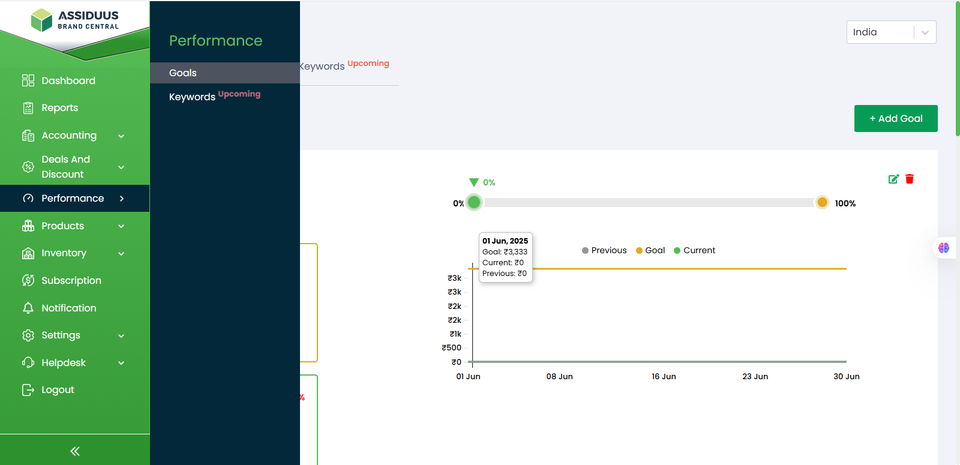
To access the Performance section, follow these steps:
- Log in to your account.
- Navigate to the sidebar on the left-hand side of the dashboard.
- Look for the "Performance" tab.
- Click on the "Performance" tab.
The Performance section helps you track your store’s KPIs and improve overall results. It includes two subsections:
Goals: where you set and monitor performance targets.
Keywords: where you analyse keyword performance across marketplaces.