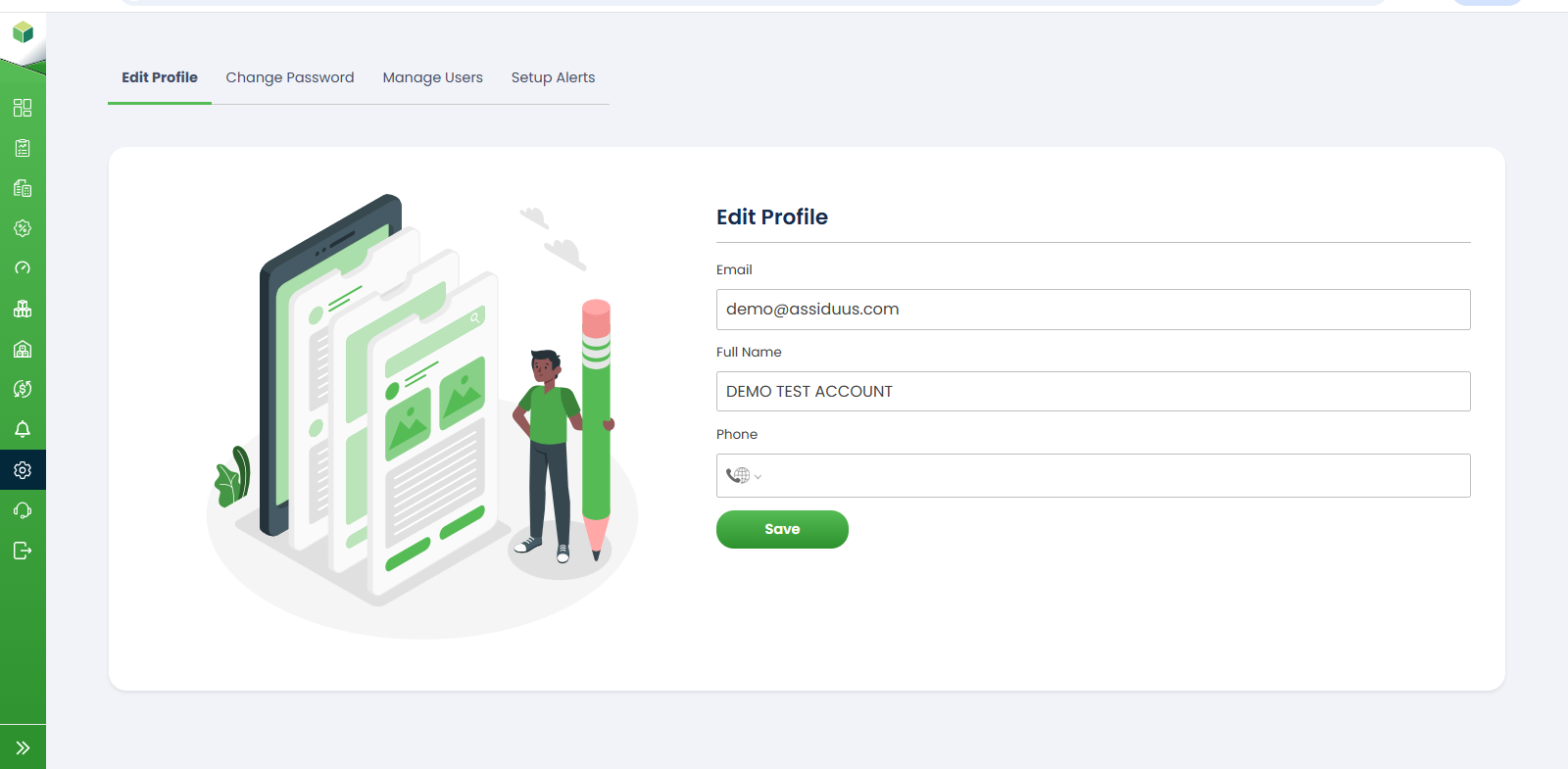
Edit Profile
To access this section, follow these steps:
- Log in to your account.
- Navigate to the sidebar on the left-hand side of the dashboard.
- Click on Settings.
- Select the " Edit Profile " tab.
The Edit Profile section allows users to view and update their account information. Keeping profile details up to date ensures accurate communication and account management.
1. Email: The Email field displays the registered email address associated with the account. Users can review and update their email information if permitted.
2. Full Name: The Full Name field displays the account holder's name. Users can modify this information to keep their profile details current.
3. Phone Number:The Phone field allows users to add or update their contact number. This information can be used for account-related communication and notifications.
4. Save: After making the required changes, click the Save button to update and store the profile information.