User Guide
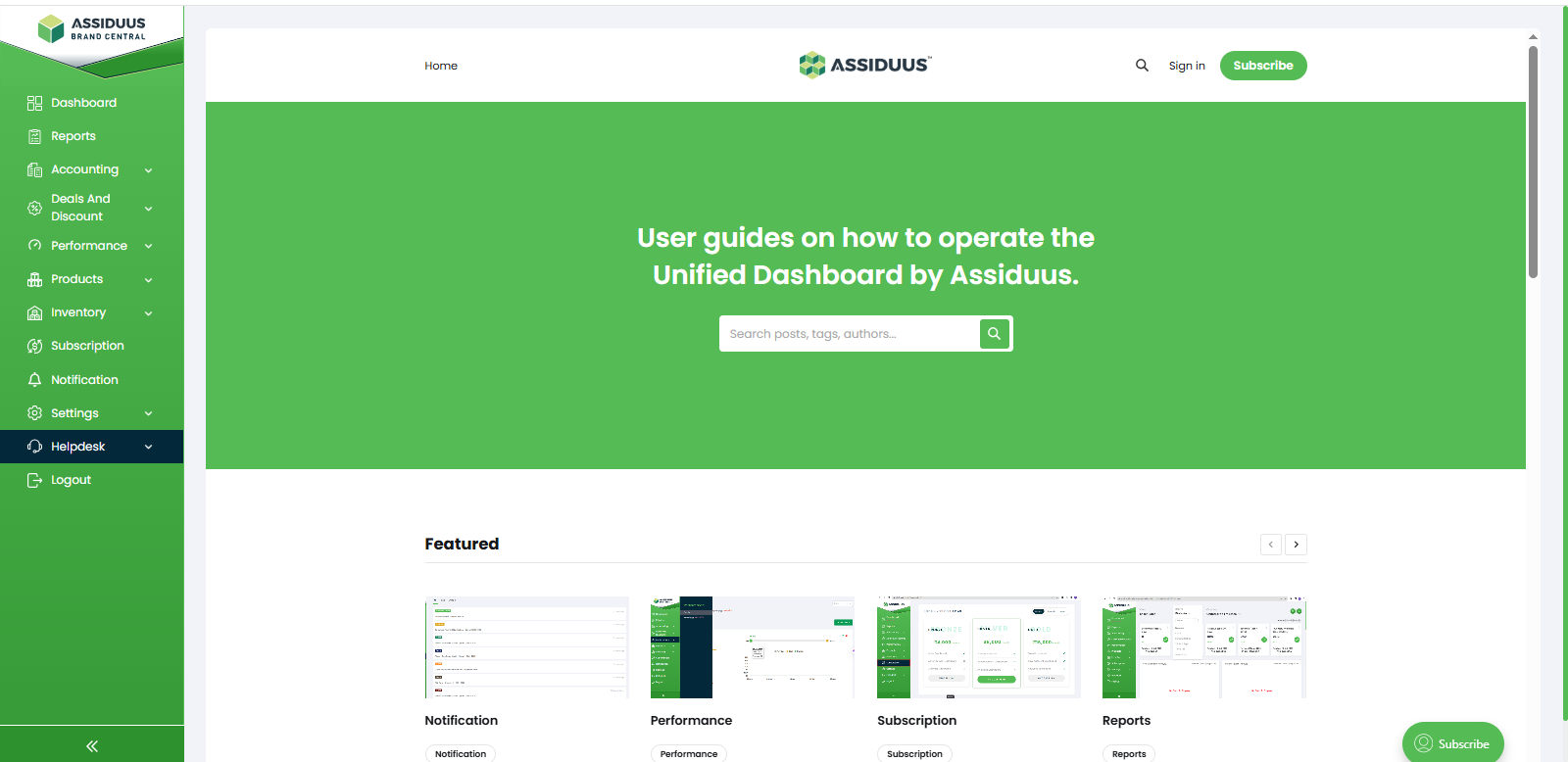
To access this section, follow these steps:
- Log in to your account.
- Navigate to the sidebar on the left-hand side of the dashboard.
- Click on Helpdesk.
- Select the "User Guide" section.
The User Guide provides detailed documentation and step-by-step instructions for using the various modules available in Brand Central. It serves as a knowledge base to help users understand platform features and workflows.