Helpdesk
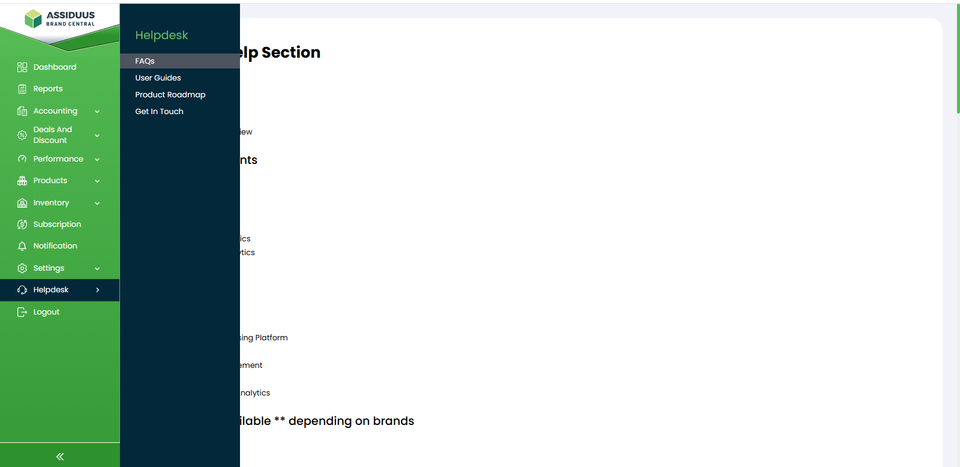
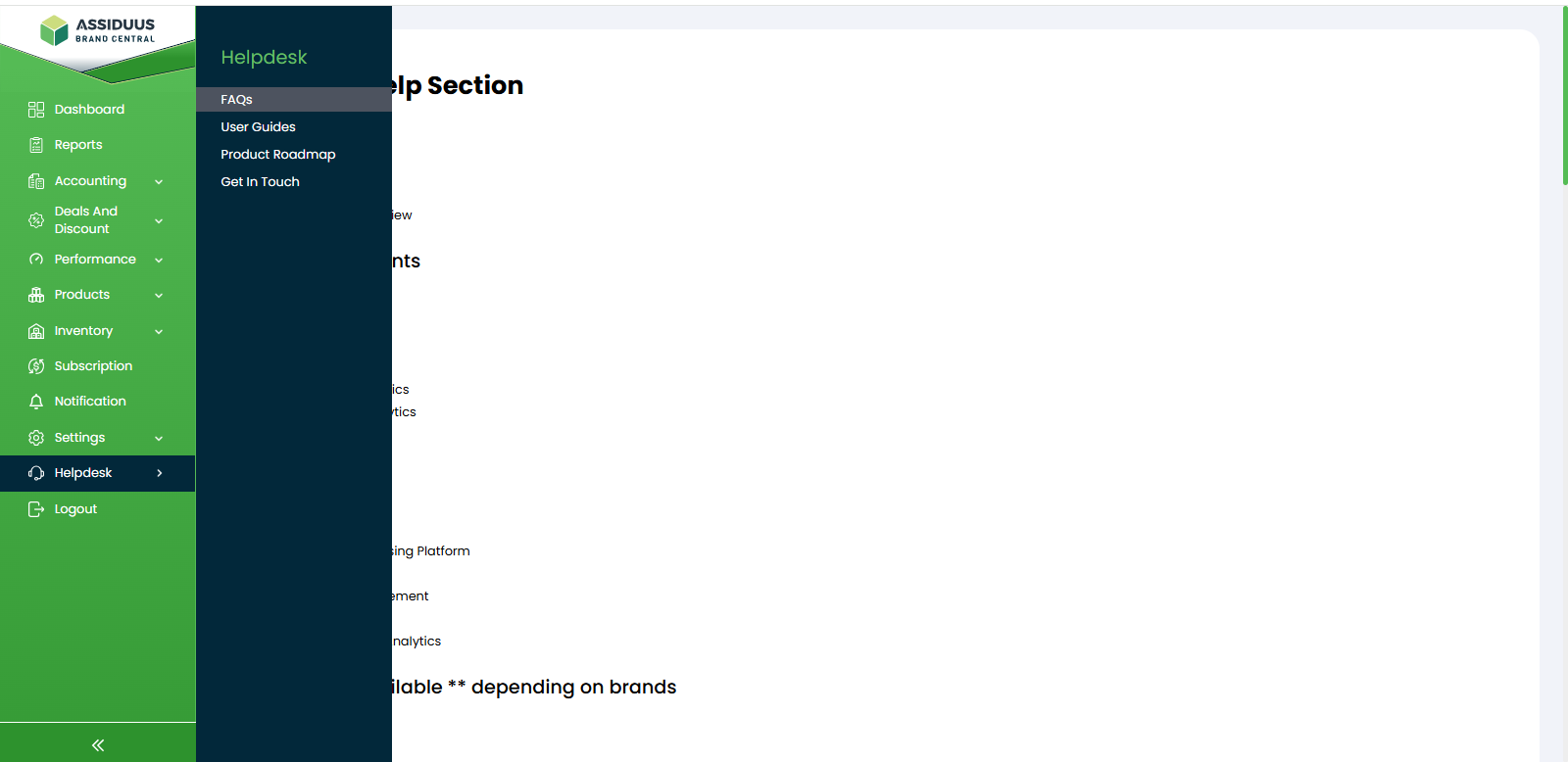
To access the Helpdesk section, follow these steps:
- Log in to your account.
- Navigate to the sidebar on the left-hand side of the dashboard.
- Look for the Helpdesk tab.
- Click on the "Helpdesk" tab.
The Helpdesk section serves as your central support hub, designed to help you quickly resolve issues, understand platform metrics, track feature updates, and communicate directly with our technical support team.
In this section, we will guide you through the available support resources. The Helpdesk section is divided into the following subsections:
1. FAQs: The Frequently Asked Questions (FAQs) subsection provides instant answers to common technical and operational questions. This area helps you troubleshoot quick issues independently without needing to open a support ticket. It covers general platform usage, account settings, and basic troubleshooting tips.
2. User Guides: The User Guides subsection is a comprehensive repository of detailed platform documentation. It includes step-by-step instructions and deep-dives into how the dashboard functions.
3. Product Roadmap: The Product Roadmap subsection gives you a transparent view of the platform’s journey. It provides a detailed overview of upcoming features, enhancements, and improvements. We encourage you to check this section regularly to stay informed about the exciting updates .
4. Get In Touch: When self-service documentation isn't enough, the Get In Touch subsection connects you directly with our dedicated technical support team. You can submit a support ticket directly from the website, send us an email. Our dedicated team is committed to providing prompt and helpful responses to your inquiries.